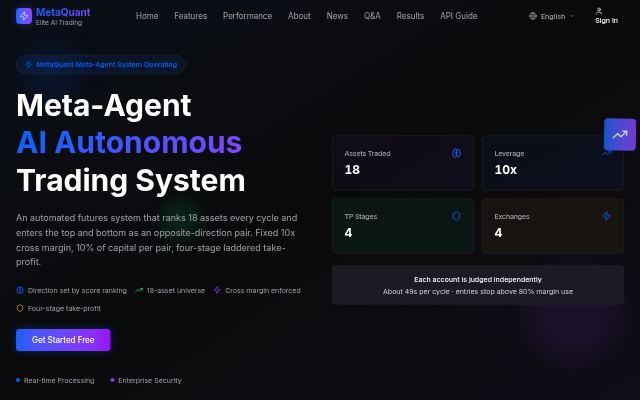
MetaQuant
Futures trading driven by multi-AI analysis — automated pair-hedge trading
- AI agent
Best for Traders who want to use automated pair-hedge trading
Upload bank or card CSVs to categorize spending and compare it with your budget
Open service →budget.star365.site
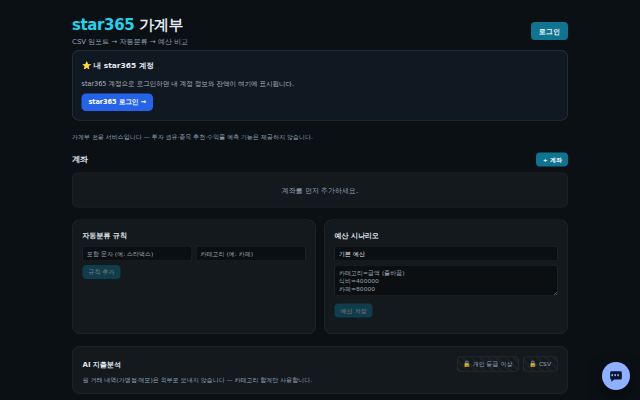
Upload bank or card CSV files and it categorizes your spending automatically and compares it with your budget. It is a budgeting tool only and not investment advice.
/.well-known/mcp.json).| Plan | Price |
|---|---|
| Budget Free | Free |
| Budget Personal | 5 USDT/mo |
| Budget Pro | 15 USDT/mo |
Futures trading driven by multi-AI analysis — automated pair-hedge trading
Best for Traders who want to use automated pair-hedge trading

The shared payment desk for all platforms: USDT credit top-ups and subscription payments
Best for Members who need paid subscriptions or credit
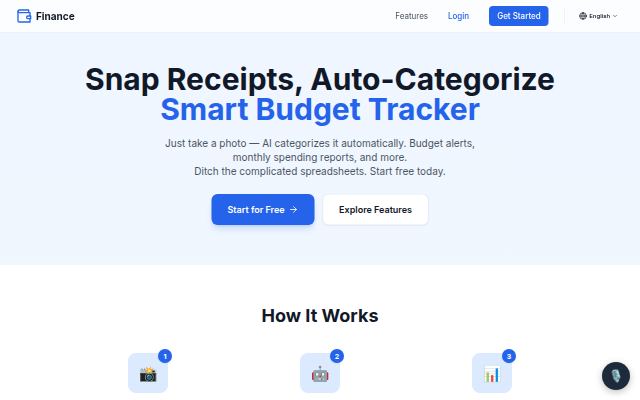
Snap a receipt and AI categorizes it and forecasts your cash flow
Best for People who want to keep a budget easily from receipts
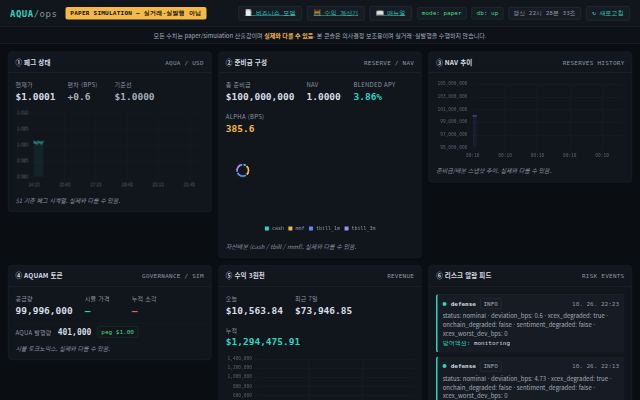
AQUA operations console — peg, reserves, NAV, risk alarms (paper simulation, not live trading)
Best for People who want to look at AQUA's design and risk indicators