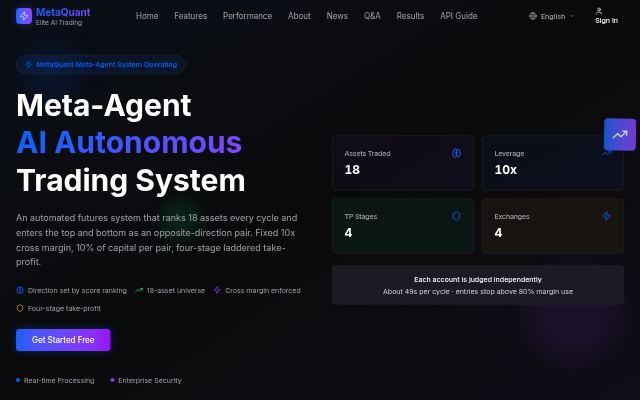
MetaQuant
Futures trading driven by multi-AI analysis — automated pair-hedge trading
- AI agent
Best for Traders who want to use automated pair-hedge trading
AQUA operations console — peg, reserves, NAV, risk alarms (paper simulation, not live trading)
Open service →aqua.star365.site
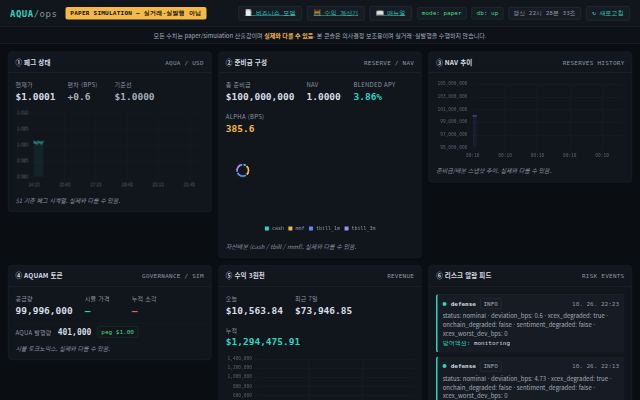
The AQUA operations console. It shows the peg status, reserve composition, NAV trend, token status, sources of yield and risk alarms. It is a paper simulation, not live trading.
Futures trading driven by multi-AI analysis — automated pair-hedge trading
Best for Traders who want to use automated pair-hedge trading

The shared payment desk for all platforms: USDT credit top-ups and subscription payments
Best for Members who need paid subscriptions or credit
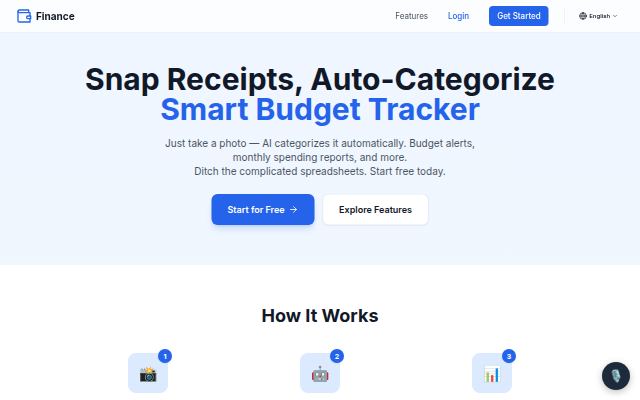
Snap a receipt and AI categorizes it and forecasts your cash flow
Best for People who want to keep a budget easily from receipts
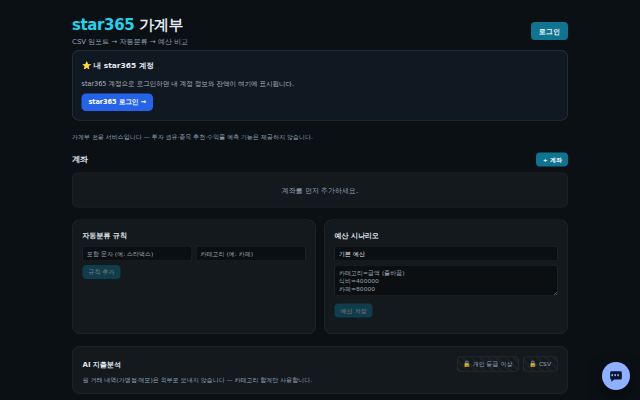
Upload bank or card CSVs to categorize spending and compare it with your budget
Best for People who want to organize spending from card and account statements